
Users to login
You can require your users to login in with a WordPress user account in order to view a mockup.
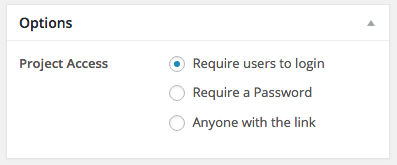
To set up a project login requirement visit the Edit Project page on the back end of your site, from Mockups > All Mockups > Your Mockup Project. Toward the bottom of the Edit Project page under Options select Require a Login for the Project Access.
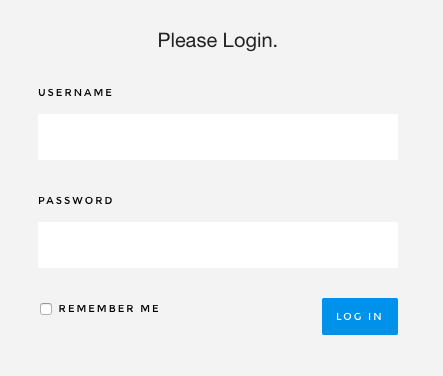
When the client follows the link to view the project they will be prompted to login in first. Be sure that your client, or whoever is visiting the project has a user name and password set up and that they know the login information.
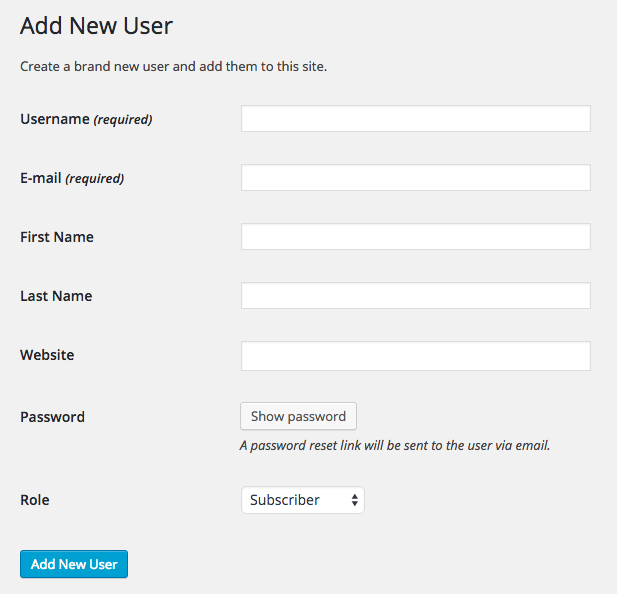
To set up a user account visit Users > Add New from your WordPress dashboard. Enter the required information and assign the user account the desired role. For more information on user roles and what they’re able to do within SureFeedback please visit the article A Guide to Permissions.
We don't respond to the article feedback, we use it to improve our support content.